Creating a lease (the New Lease wizard)
The guided wizard that sets rent, deposit, fees, term, and the people on a lease.
1 min readTenants & leases
Create a lease
- 1Go to Leases → New Lease.
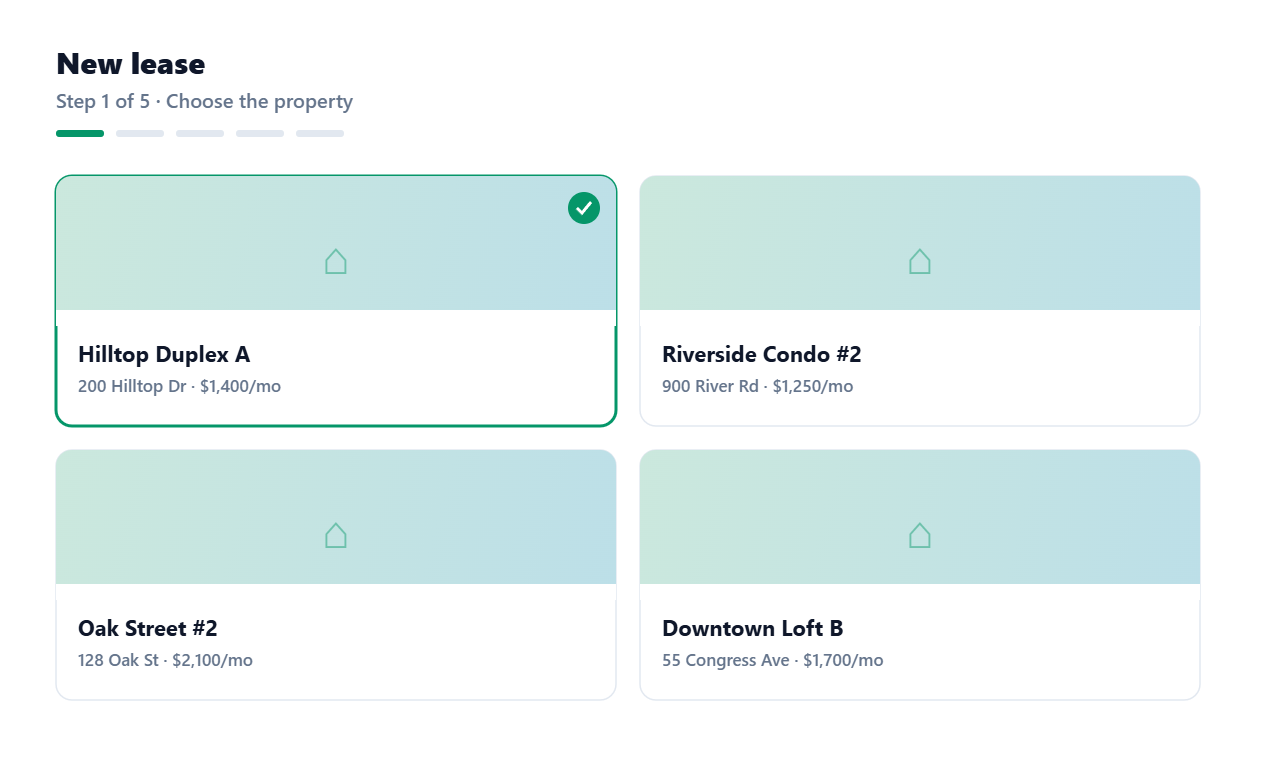
- 2Pick the property/unit. A unit can only have one active lease, so any unit that's already leased won't appear.
- 3Add the renter(s). Use “Add another renter” for roommates or a co-signer on the same lease, you'll set how they split the rent.
- 4Set the dates (defaults to a one-year term; toggle Month-to-month for no end date) and the rent due day.
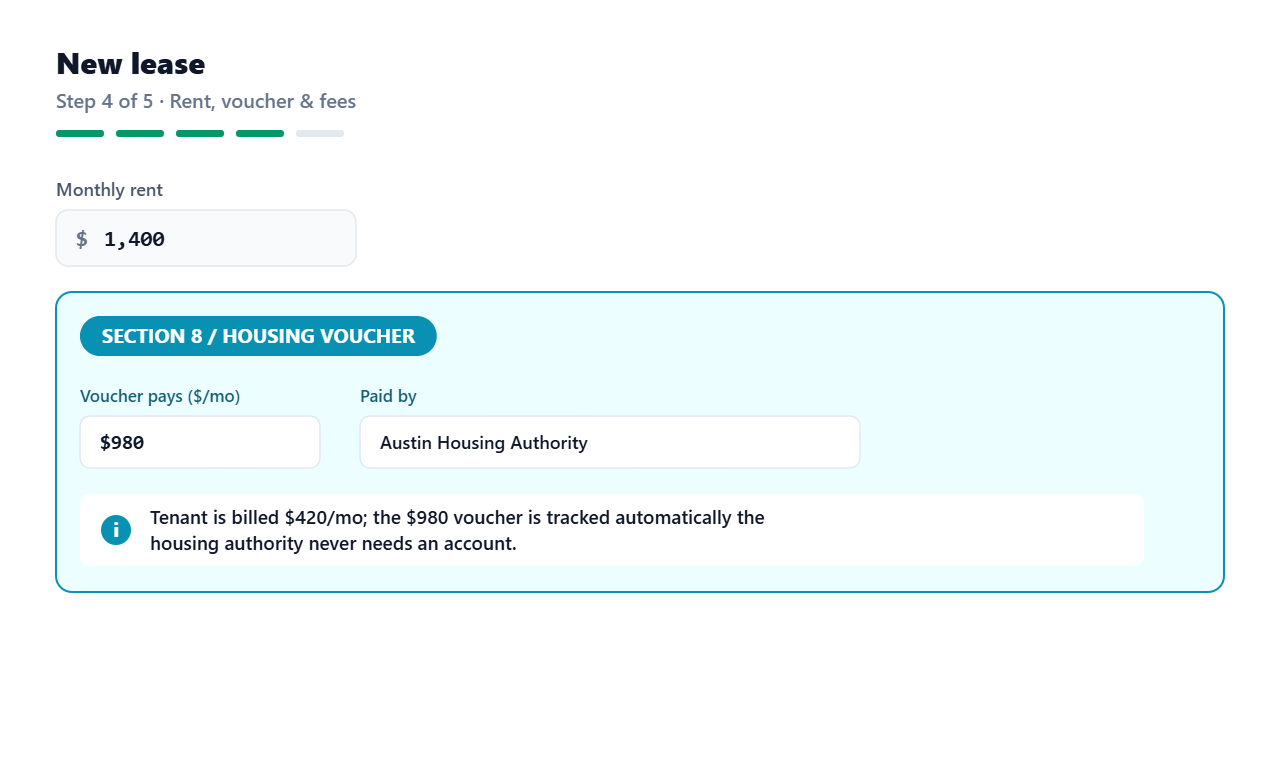
- 5Confirm the rent (prefilled from the property), and optionally add a security deposit and any fees (pet rent, parking, monthly or one-time).
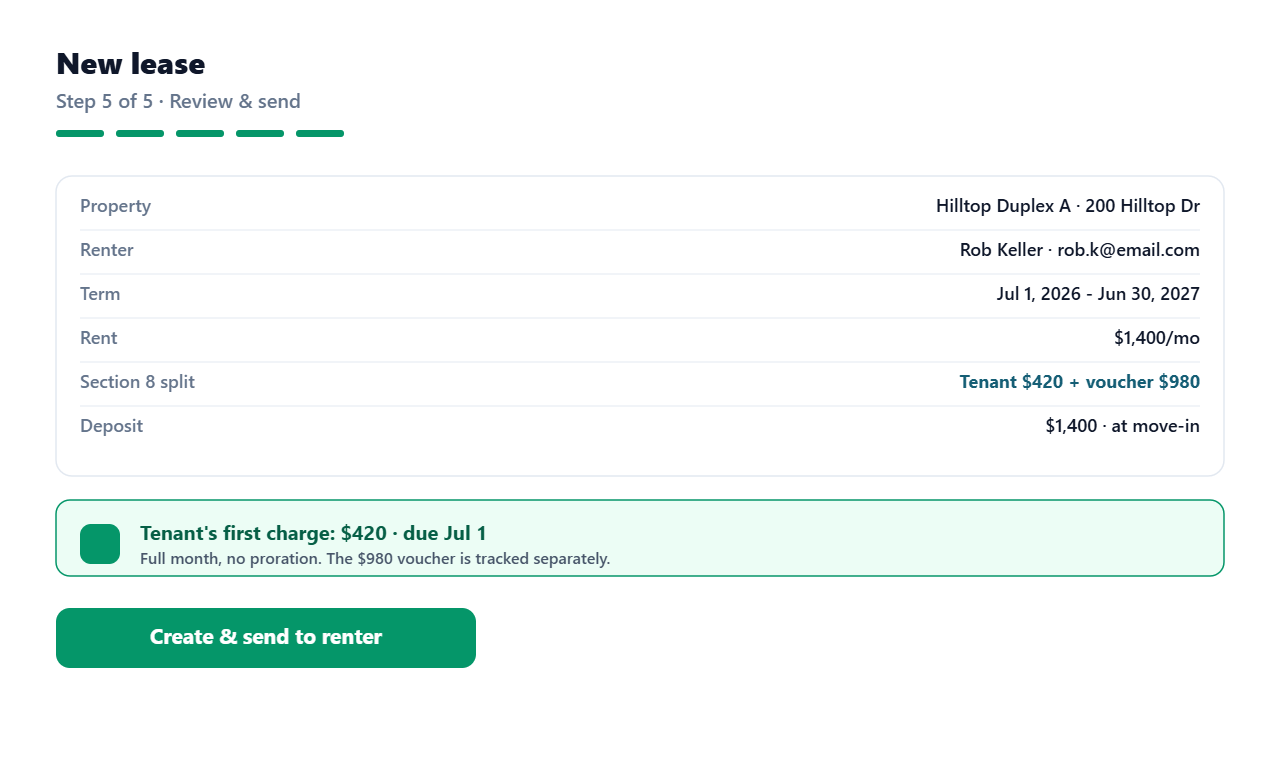
- 6Review and finish. You can also upload the signed lease PDF here.
What happens on finish
- The first rent charge is created right away, prorated if the move-in is mid-month, so you can see and collect it immediately.
- A security deposit (if set) becomes its own one-time charge; one-time fees are charged now, monthly fees bill every cycle.
- Roommates are each billed their share of the rent (the shares add up to the full rent).
- New renters get a portal invite by email.
The move-in date drives the prorated first charge; the rent due day drives every month after.
Editing or renewing later
Editing a lease's rent, dates, or deposit asks the tenant to re-accept the new terms (they're emailed automatically). Use Renew / Manage to set a new start + end date, rent, and deposit, switch to month-to-month, or end the lease.
Was this helpful?
Still need help? Email support@keyprop.io.